Free SEO tools save you real money. That is their clearest benefit.
They also have a limit. Free tools work when your site is small and your SEO needs are basic. Once the site grows, or you hit an advanced problem, no free tool will cover it.
This list comes from my own work. There are far more free SEO tools than I could ever test, so you may find a favorite missing here. I also did not try to make the list long. These are the 8 I use and would recommend to a friend.
The 8 Free SEO Tools at a Glance
Here is each tool, what I use it for and what the free version allows:
| Tool | Best for | Free limit | Signup |
|---|---|---|---|
| Google Search Console | Search performance, indexing, your own backlinks | No cap | Google account, verified site |
| Ahrefs free tools | Domain Rating checks, backlinks and audits for your own site | 5,000 crawl credits a month, 1,000 backlinks and keywords shown | None for single tools. Account and verified site for the rest |
| Semrush free account | A quick look at competitors | 10 requests a day | Account |
| Screaming Frog SEO Spider | Technical crawls | 500 URLs per crawl | None (desktop app) |
| PageSpeed Insights | Load speed and Core Web Vitals | No cap | None |
| Yoast SEO | On-page basics in WordPress | Free plugin | WordPress site |
| Google Trends | Checking interest in a topic over time | No cap | None |
| Wayback Machine | Seeing how a page looked in the past | No cap | None |
Note: Free limits checked in 2026.
1. Google Search Console
Best for: seeing how your site performs in Google Search, and getting new pages indexed.
If you do SEO, you already know this one. Google Search Console (GSC) shows your clicks, impressions, click-through rate and average position.
How I use it
- Request indexing. I paste the URL of a new post into the URL Inspection bar and ask Google to index it. I did the same for this post the day I published it.
- Insights. You will find it in the sidebar, right under Overview. It lists your top pages, the pages trending up and the pages trending down. The same view exists for search queries. I like this report a lot. For your own site, it is a good stand-in for the “top pages” report in paid tools like Semrush or Ahrefs.
- Links. This is Google’s own backlink report for your site.
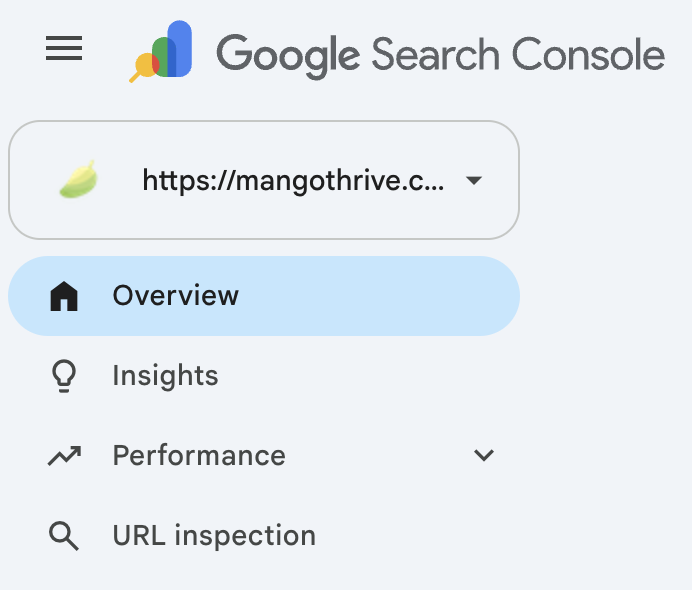
The catch. GSC comes from Google, but its link data is not complete. For the fullest picture of my backlinks I combine GSC, Ahrefs, Semrush and DataForSEO. For a small site, GSC plus the free versions of Ahrefs and Semrush is enough.
2. Ahrefs Free Tools
Best for: checking a site’s Domain Rating, and backlink data for your own site.
Ahrefs gives away a long list of free SEO tools. Most of them work without an account.
How I use it
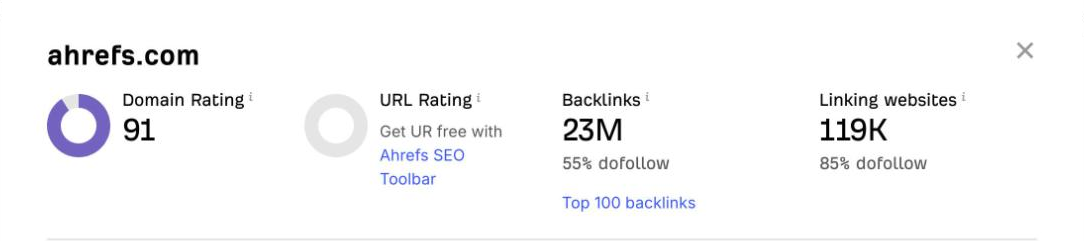
- Website Authority Checker. This is the one I open most. Type in any domain and it returns the Domain Rating (DR). DR is not how Google measures authority. I use it as a quick read on how strong a site’s backlink profile is.
- A free account for my own site. Sign up, verify your website, and you get a limited Ahrefs for that site only. It shows up to 1,000 backlinks and 1,000 keywords at once. This is how I get Ahrefs backlink data without paying.
- Site Audit. The free account also includes 5,000 crawl credits a month per project. More on that under Screaming Frog.
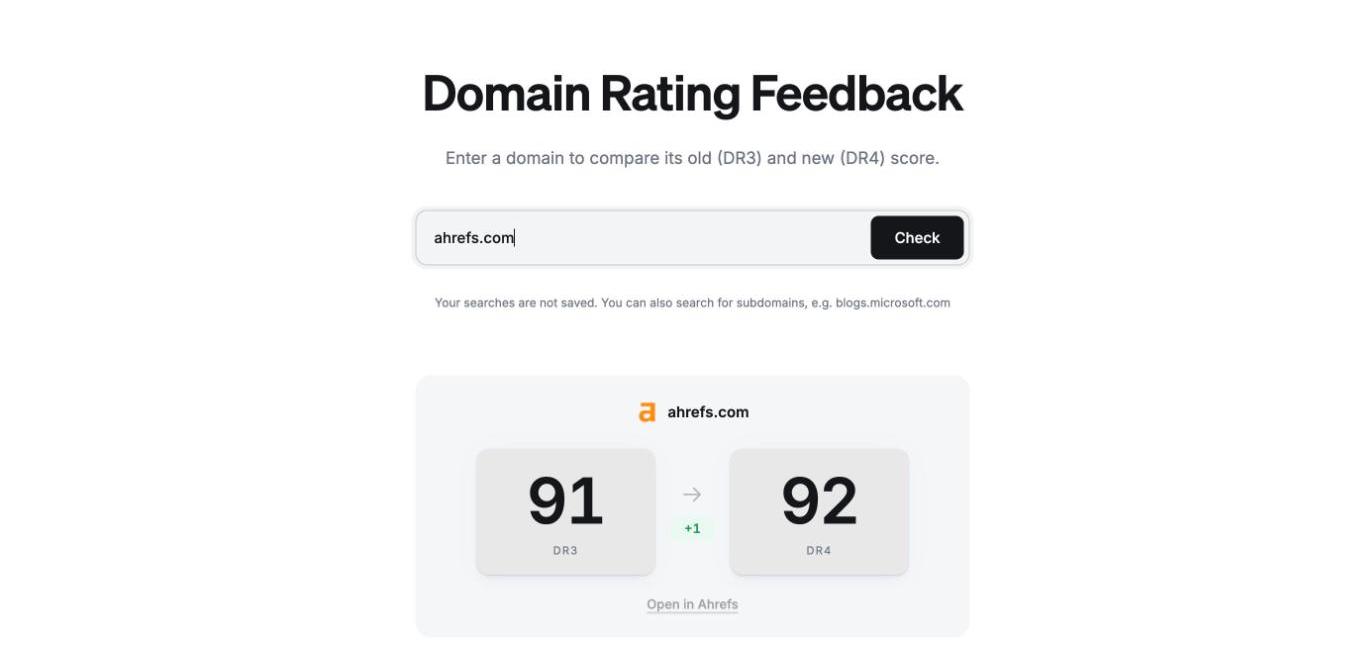
Good to know. Ahrefs is changing how it calculates DR. The new model, DR4, becomes the default on December 1, 2026. Subdomains will get their own score instead of copying the main domain. You can already compare the old and new score for any site at detailed.com/dr-v4.
The catch. The free account only covers sites you verify. For competitor data you need a paid plan, or the next tool.
3. Semrush Free Account
Best for: a quick look at a competitor.
Semrush also has a free tier, and it works differently from Ahrefs. A free account gets 10 requests a day across its reports. You can spend them on any site, not only your own.
How I use it
- Check a competitor’s top keywords and pages.
- Run a few keyword searches.
- Look at the backlinks of a site I do not own.
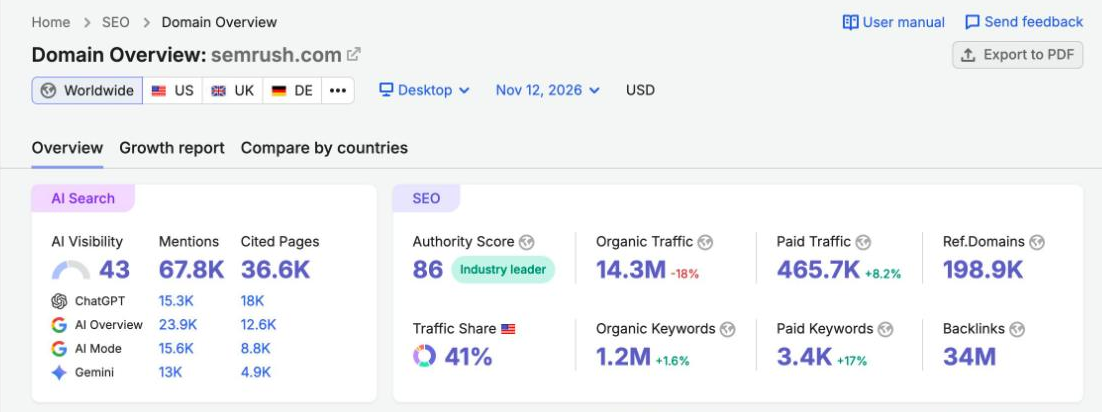
The catch. 10 requests go fast. Some reports are also cut short on a free account. I noticed it when I checked the keywords and top pages of my own site. The free account also limits you to 1 project, 10 tracked keywords and a 100-page site audit.
How the three fit together. I use Ahrefs and the GSC Links report for my own backlink profile. I use Semrush to understand competitors. For a small site with simple needs, this trio covers a lot.
4. Screaming Frog SEO Spider
Best for: technical SEO audits.
For technical SEO, I have not found anything better than Screaming Frog. It is a desktop app that crawls your site the way a search bot does. The free version crawls up to 500 URLs.
The catch. Screaming Frog is an advanced tool. If it feels hard to use, try Ahrefs Site Audit instead. Verify your site with a free Ahrefs account and you get 5,000 crawl credits a month.
A note for small sites. I assume most people who rely on free tools run small sites. A small site rarely has heavy technical problems. So do not put too much weight on technical tools when you start out.
5. PageSpeed Insights
Best for: checking how fast your pages load.
PageSpeed Insights is a Google tool. It needs no account. Paste a URL and it tells you how fast the page loads and where it has technical trouble.
The report is full of technical terms the first time you see it. Do not worry about them. Look at the colors. You want as much green as you can get.
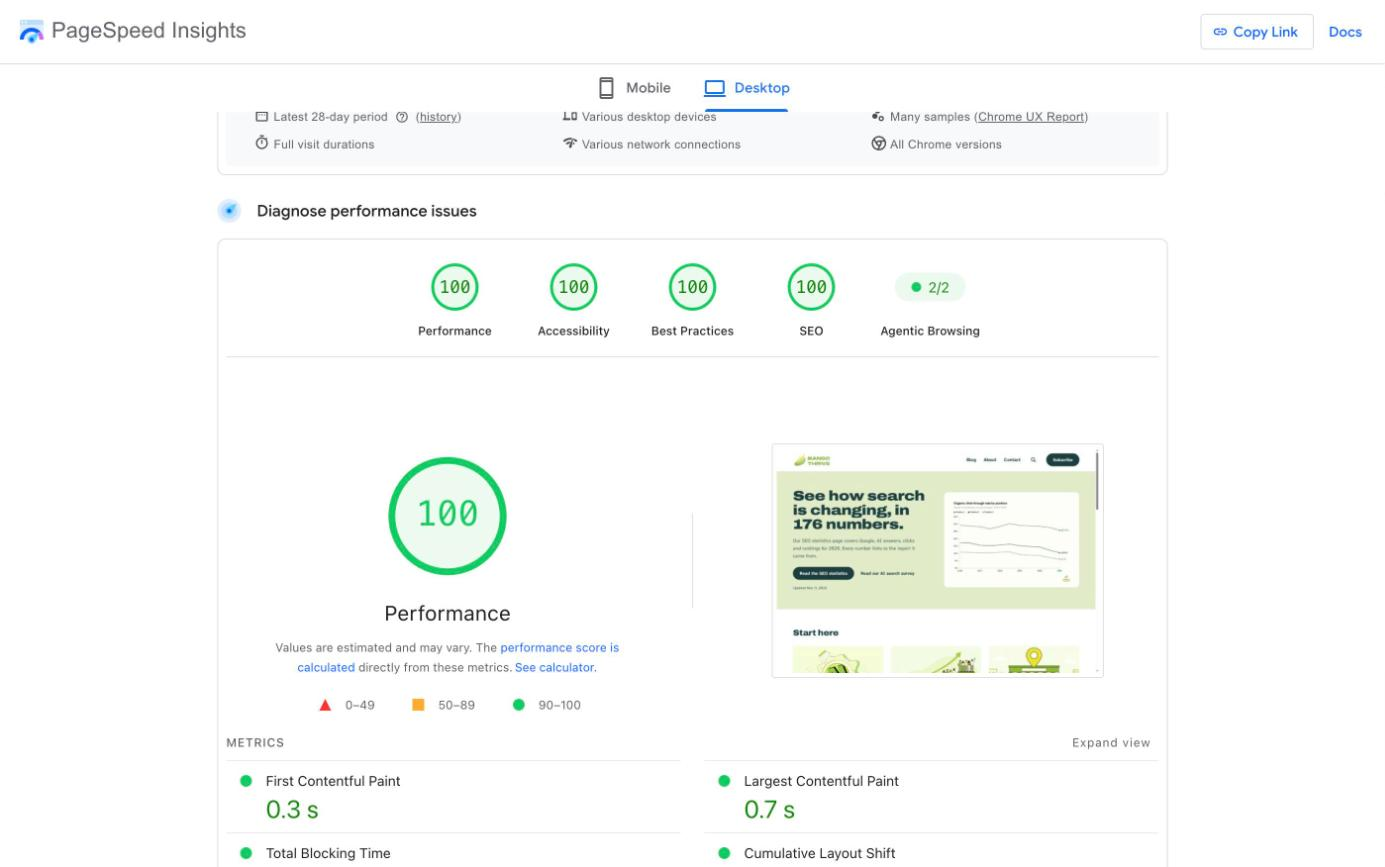
How I use it. I run a page through PageSpeed Insights, then give the results to Claude. Together they help me find and fix what slows the site down.
The catch. A fast site does not guarantee a high ranking. Speed is a baseline. Your pages need to load well enough that visitors never notice a technical problem.
6. Yoast SEO
Best for: on-page basics on a WordPress site.
Yoast SEO is a WordPress plugin more than a tool. The free version does a lot:
- Add and edit title tags and meta descriptions
- Create and update your XML sitemap
- Set a page to noindex
- And more
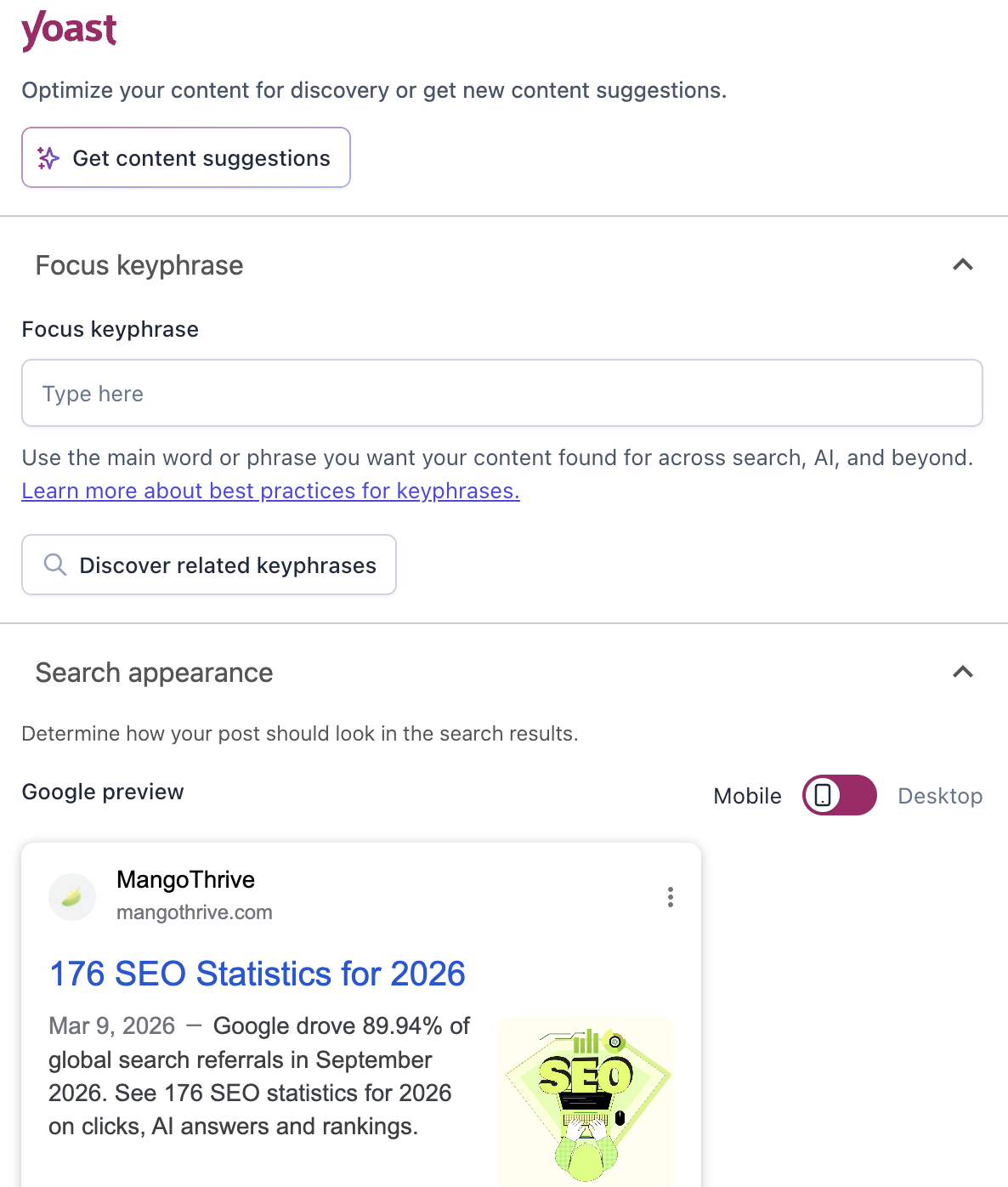
The catch. If you are new to SEO, ignore the SEO score. That goes for Yoast and for any plugin that grades your page. A green light is not how Google ranks pages. You can get the top score and still not rank.
7. Google Trends
Best for: checking whether interest in a topic is rising or falling.
Google Trends is a good tool with a narrow use. It pays off when your content plan is built around trending topics.
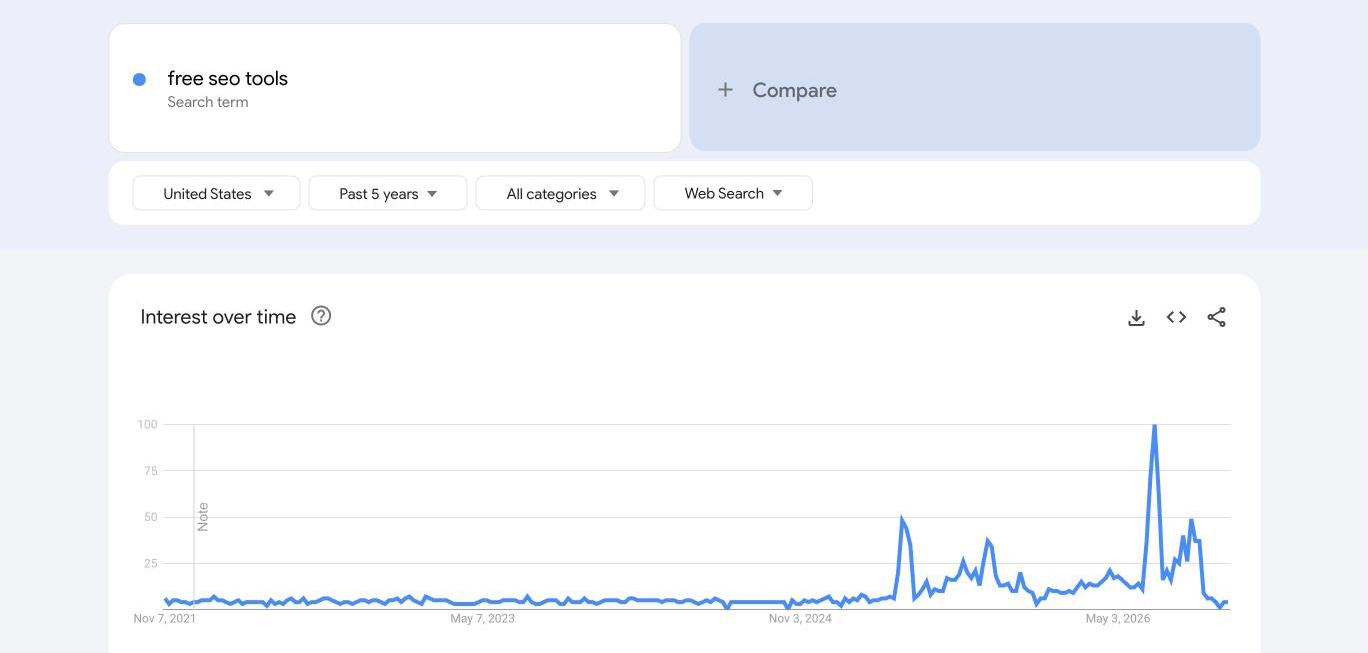
The catch. Google Trends only checks the term you type in. It does not find new trending keywords for you. For that, I think Exploding Topics is the better tool, and its free version needs no account. Use the two together: find a topic in Exploding Topics, then check it in Google Trends.
For evergreen content, I do not think trend data adds much.
8. Wayback Machine
Best for: reading pages that were changed, redirected or deleted.
The Wayback Machine is not really an SEO tool. I still open it all the time. Type in a URL and it shows you saved copies of that page from past years. It is free and needs no account.
How I use it. I like to study SEO case studies and work out what the site did to win. Semrush and Ahrefs help, but they only show numbers. The Wayback Machine shows the page itself, as readers saw it at the time. I use it like an investigator would, and I have picked up many lessons from the past versions of successful sites.
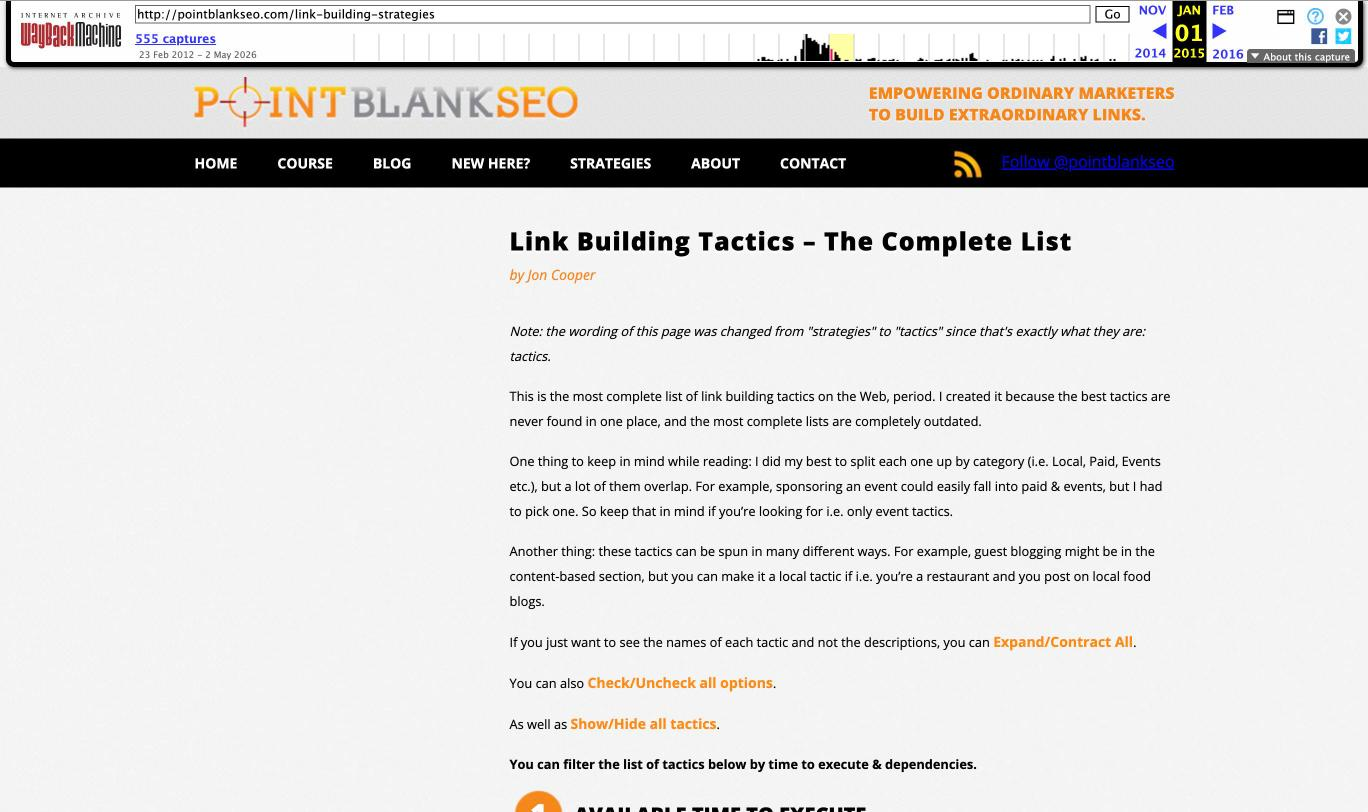
An example. In his Semrush Academy course, Brian Dean tells the story of a post called “Link Building Strategies: The Complete List”. Jon Cooper wrote it for his site, Point Blank SEO. Brian later bought the site and redirected the post to Backlinko.
The original post is gone from the live web. So I opened pointblankseo.com/link-building-strategies in the Wayback Machine. It has saved copies going back to February 2012. I read Jon’s original, then compared it with the Backlinko version. That made Brian’s lesson much clearer than the course alone.
The catch. Not every page is saved, and not on every date. Small sites often have only a few copies.
Conclusion
As I said at the start, free SEO tools work very well for a small site with light needs. They will save you a fair amount of money. Once your site grows, free tools will no longer fit.